Expense Categories
Expensed organizes expenses into categories to help with reporting, budgeting, and accounting. Here's what each category means.
Standard Categories
| Category | Icon | What It Includes |
|---|---|---|
| Fuel/Gas | Gas pump | Gas station purchases, fuel for company vehicles |
| Meals & Entertainment | Fork & knife | Business lunches, client dinners, team meals |
| Lodging/Hotels | Bed | Hotel rooms, Airbnb, accommodation during travel |
| Airfare | Airplane | Flights, airline fees, seat upgrades |
| Ground Transportation | Car | Uber, Lyft, taxis, rental cars, parking, tolls |
| Office Supplies | Printer | Pens, paper, desk accessories, small equipment |
| Software/Subscriptions | App icon | Software licenses, SaaS subscriptions, apps |
| Miscellaneous | Dots | Anything that doesn't fit other categories |
Category Details
Fuel/Gas 
Use this for vehicle fuel purchases:
- Gas station fill-ups
- Diesel fuel
- Electric vehicle charging
Mileage vs. Fuel
If you're tracking mileage for reimbursement, don't also expense fuel. The IRS mileage rate includes fuel costs. Use either mileage tracking OR fuel receipts, not both.
Meals & Entertainment 
Use this for business-related meals:
- Client lunches and dinners
- Team meals during work travel
- Coffee meetings with vendors
- Working lunches
Include Business Purpose
For meals, always note who you met with and the business purpose. Example: "Lunch with ABC Corp to discuss Q2 contract renewal"
Lodging/Hotels 
Use this for overnight accommodations:
- Hotel rooms
- Airbnb and vacation rentals
- Extended stay hotels
- Resort fees and taxes
Multi-Night Stays
For multi-night hotel stays, you can submit one expense with the total amount and attach all receipts.
Airfare 
Use this for air travel:
- Flight tickets
- Baggage fees
- Seat selection fees
- In-flight WiFi
- Airline club memberships (if approved)
Ground Transportation 
Use this for surface travel:
- Uber and Lyft rides
- Taxi fares
- Rental cars
- Parking fees
- Toll charges
- Train and bus tickets
Mileage Alternative
If you use your personal car, consider using Mileage Tracking instead of ground transportation expenses.
Office Supplies 
Use this for work supplies and small equipment:
- Pens, paper, notebooks
- Printer ink and toner
- Desk accessories
- Small equipment (under $100)
- Postage and shipping
Software/Subscriptions 
Use this for digital tools:
- Software licenses
- Monthly SaaS subscriptions
- Mobile apps
- Online services
- Domain registrations
Check with Admin
Some organizations have pre-approved software lists. Check with your admin before purchasing new software.
Miscellaneous 
Use this for expenses that don't fit other categories:
- One-time purchases
- Unusual business expenses
- Items pending categorization
Avoid Miscellaneous When Possible
Try to use a specific category when you can. Miscellaneous expenses may require additional explanation during approval.
Category Limits
Your organization may set spending limits per category:
| Category | Daily Limit | Per-Item Limit |
|---|---|---|
| Meals | $75 | $150 |
| Lodging | $250 | $500 |
| Fuel | $100 | $75/gallon |
Limits vary by organization. Check with your admin for your company's specific policies.
Selecting the Right Category
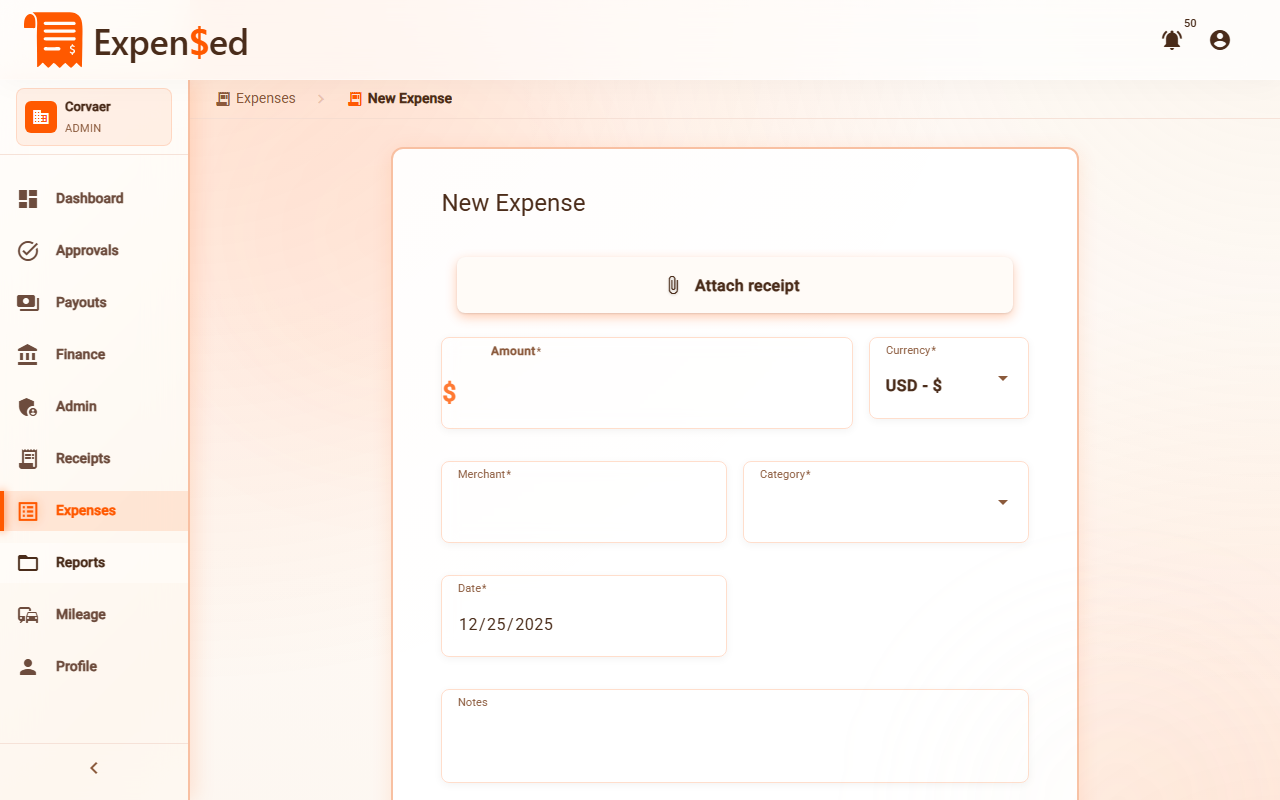
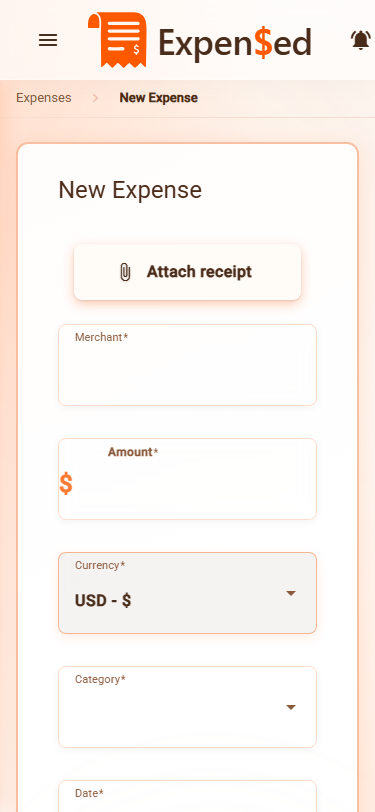
When creating an expense:
- Click the Category dropdown
- Browse categories by icon and name
- Select the most appropriate category
- If unsure, ask your manager or use Miscellaneous
Category Filters
You can filter your expense list by category:
- Go to Expenses
- Click the Category filter
- Select one or more categories
- The list shows only matching expenses
Next: Viewing Expenses →