Signing Up for Expensed
Creating your Expensed account takes just a few minutes. Here's how to get started.
Create a New Account
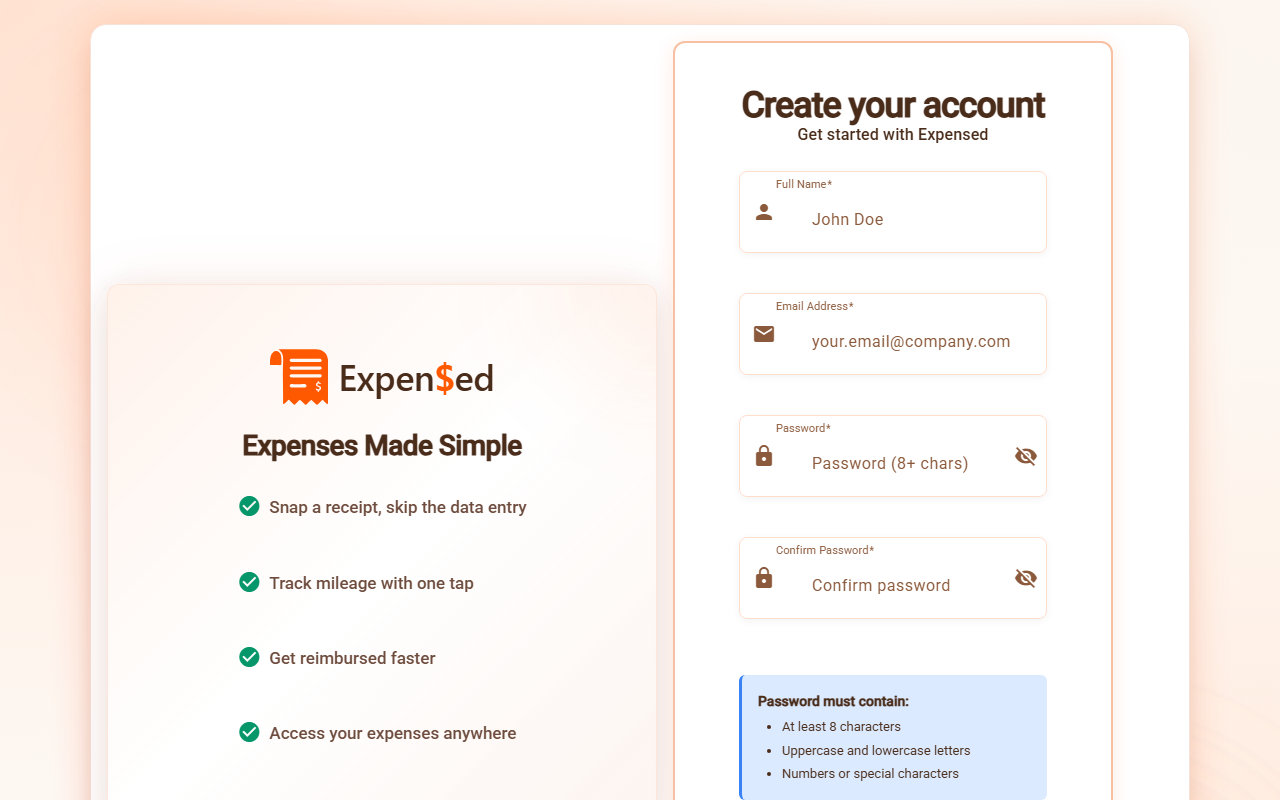
- Go to expensed.app
- Click Sign Up or Get Started
- Enter your email address
- Create a strong password (see requirements below)
- Click Create Account
- Check your email for a verification link
- Click the link to verify your email
Password Requirements
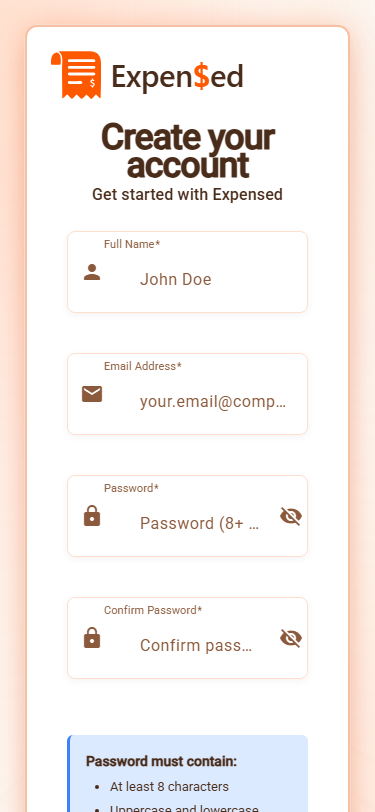
Your password must meet these security requirements:
- At least 8 characters long
- Contains at least one uppercase letter (A-Z)
- Contains at least one lowercase letter (a-z)
- Contains at least one number (0-9)
- Contains at least one special character (!@#$%^&*)
Password Strength
A password strength indicator will show you how secure your password is. Aim for a "Strong" rating.
Email Verification
After signing up, you'll receive a verification email:
- Check your inbox for an email from noreply@expensed.app
- If you don't see it, check your spam/junk folder
- Click the Verify Email button in the email
- You'll be redirected to Expensed and logged in automatically
Verification Required
You must verify your email before you can use Expensed. If you don't receive the email within a few minutes, click "Resend Verification Email" on the login page.
What Happens Next?
After verifying your email, you'll be asked to either:
- Create an organization - If you're setting up Expensed for your company
- Join an organization - If someone invited you to their company's Expensed
If you were invited by a colleague, you may see a pending invitation waiting for you.
Already Have an Account?
If you already have an Expensed account:
- Go to expensed.app
- Click Log In
- Enter your email and password
- Click Sign In
Forgot Your Password?
- Click Forgot Password? on the login page
- Enter your email address
- Check your email for a password reset link
- Click the link and create a new password
Next: Joining an Organization →